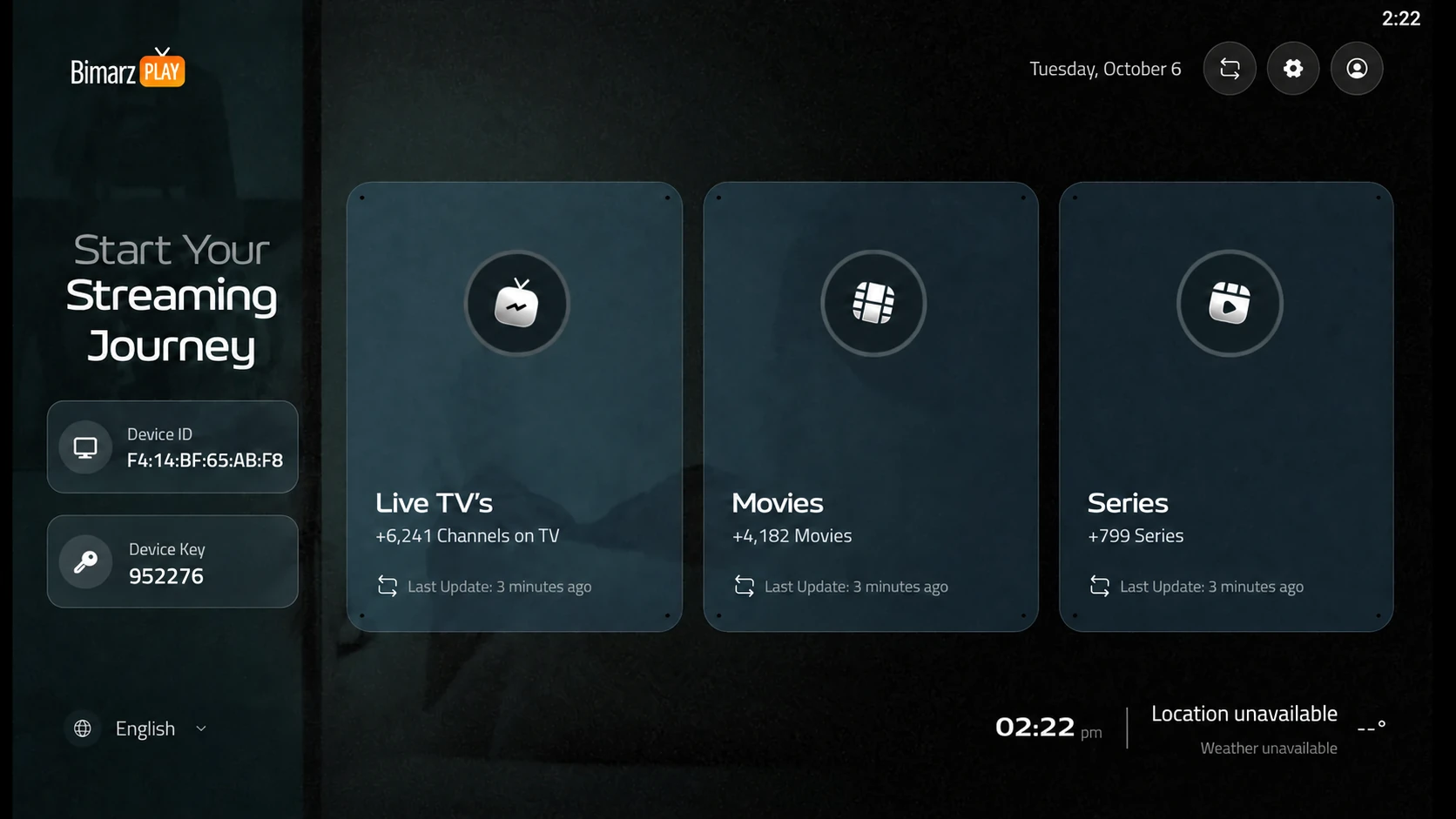
Open the app and use the Device ID and 6-digit Device Key shown on screen.
02
Add your playlist
Connect your own provider using an Xtream login or an M3U playlist URL.
03
Make it yours
Try the player first, then choose an annual or lifetime license for your device.
BIMARZ PLAY is a player, not a content provider. A software license does not include channels, movies or an IPTV subscription.
A player. Your content.
BIMARZ PLAY is a media player only. We do not provide, sell or include TV channels, movies, series, playlists or IPTV subscriptions. Purchasing a license unlocks the software only.
You must supply your own content and have permission to access it. We do not control third-party content and, to the extent permitted by applicable law, are not responsible for its legality, accuracy or availability.