One place for
your device.
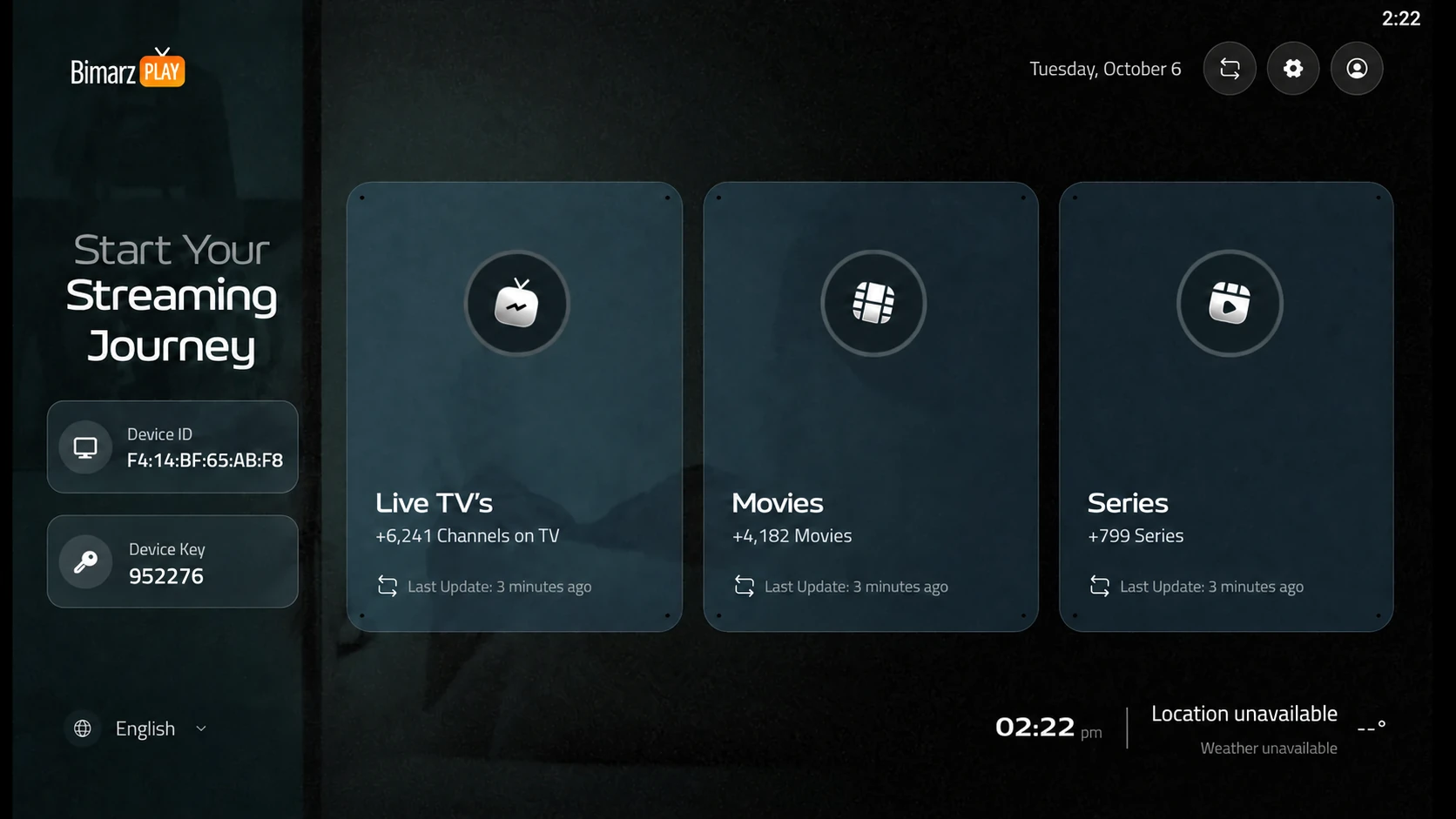
Add your playlists, manage your player license and find support. Use the Device ID and Device Key shown in your app.
Where do I find my details?
1. Open BIMARZ PLAY on your device.
2. Find the Device ID and Device Key shown in the app.
3. Enter both details in the form beside this guide.
Enter the Device ID and Device Key shown in your app. Your playlists and device settings are saved securely to your device account.